[Wireless Router] What is the difference between Restore and Initialize ?
In the latest firmware(FW), the router offers two different reset options depending on the situation: Restore and Initialize.
Setting Procedures
Step1. Connect your computer to the router via wired or WiFi connection and enter your router LAN IP or router URL http://www.asusrouter.com to the WEB GUI.


Please refer to How to enter the router setting page(Web GUI)to learn more.
Step2. Key in your router's username and password to log in.
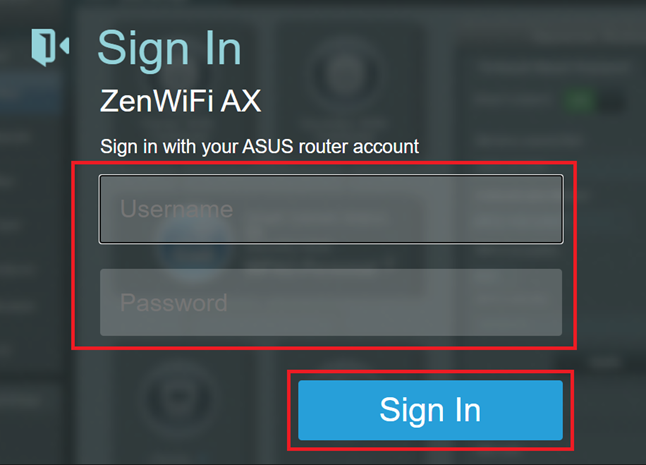
Note: If you forget the user name and/or password, please restore the router to the factory default status and setup.
Please refer to [Wireless Router] How to reset the router to factory default setting? for how to restore the router to default status.
Step3. Go to [Administration] > Restore / Save/ Upload Setting tab
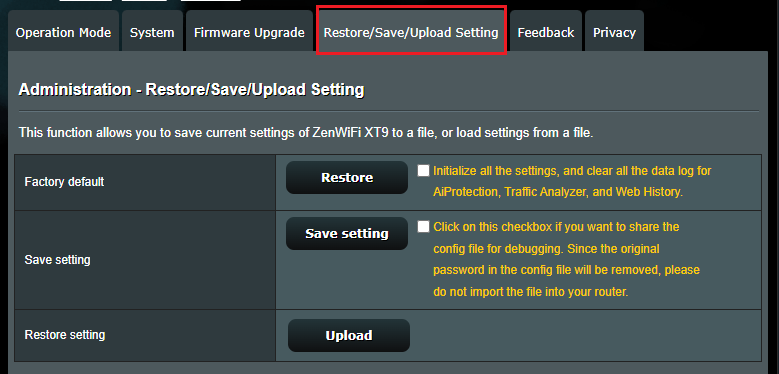
Step4. Reset your router by one of these options:
Restore: Erases the Log / NVRAM
Initialize: Erases the Log / NVRAM / Database
The following explains what each area contains:
【Log】: System log , Offline client list, AiCloud log
【NVRAM】: Basic Setting Information
【Database】: AiProtection Monitor Log ,Traffic Analyzer Log , Web History

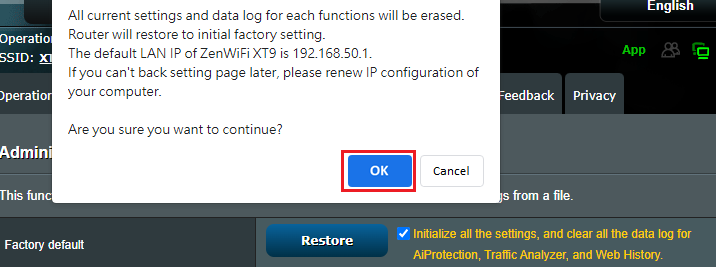
Step5. Click OK and the Router will reset.
FAQ
1. Is Restoring on Web GUI the same as pressing the RESET button?
How to get the (Utility / Firmware)?
You can download the latest drivers, software, firmware and user manuals in the ASUS Download Center.
If you need more information about the ASUS Download Center, please refer this link.


