[Wireless / Networking] How to check if a product is End-of-life (EOL)?
ASUS is always seeking more opportunities to explore beyond the limits, and focusing on providing the best product of the time, if you are not sure whether your device is End-of-life, or looking for an alternative for EOL product, we hope the following content help you well.
1. How to define an EOL product?
a. It’s no longer manufactured.
b. Its certification will not be renewed.
c. Its firmware, utility, website, Marketing materials, QSG and manual will not be updated.
d. It may be replaced by other new product with updated hardware and similar functions.
2. Where can I find the EOL products?
We have an EOL product list, which is instantly maintained. You can find all our EOL products on the list, please refer to: End-of-life product list (asus.com)
3. What can I do if my product is an EOL product?
If the product you are looking for is end-of-life, it is recommended to purchase the latest version or other similar models. Please refer to our recommended models: End-of-life product list (asus.com)
Notice 1: An EOL will not change the limited warranty period for hardware.
Notice 2: Available and EOL versions and models may varied from regions to regions. Please contact local ASUS representatives for the most recommended versions/models.
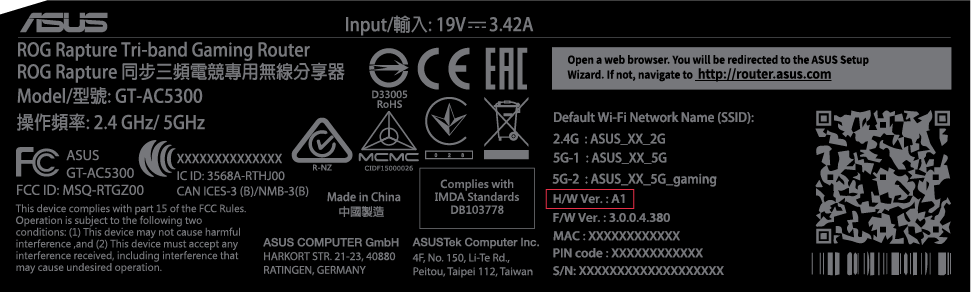
- You can check the hardware version from the product label or box label.