on 04-16-202501:27 AM - edited on 10-07-202506:33 PM by ZenBot
[Phone] How do I put my favorite picture on the Always-on Panel?
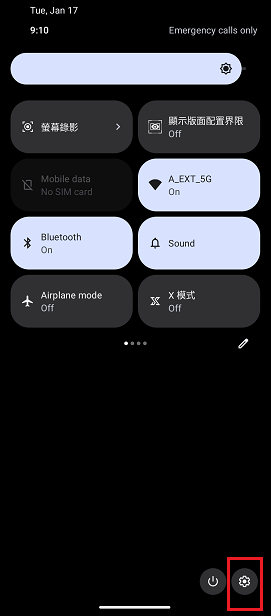
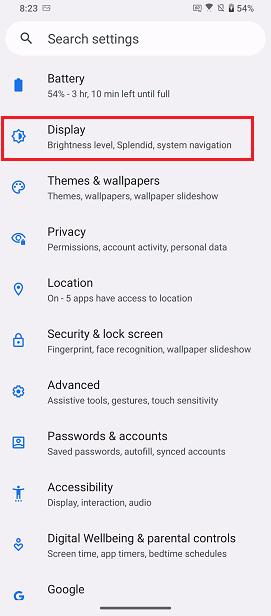
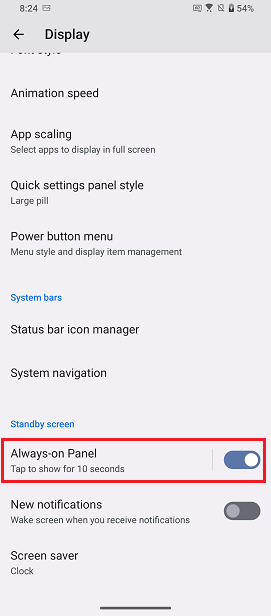
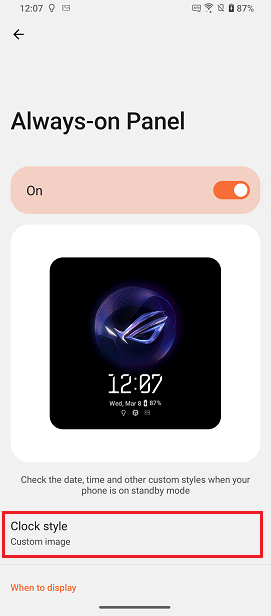
Swipe down from the top of the screen to access Quick Settings > Tap the Settings icon > Display > Set the Always-on Panel toggle to the “On” position and tap it> Then tap Clock style.
.
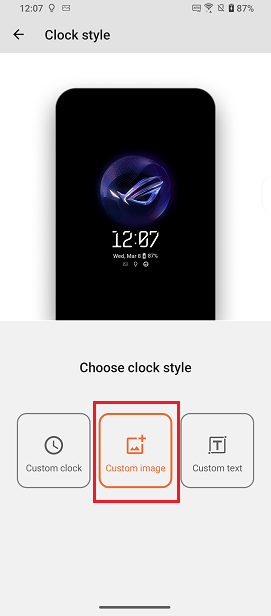
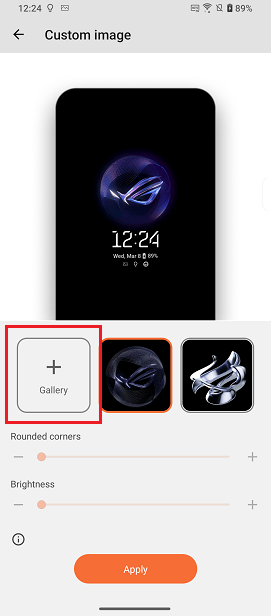
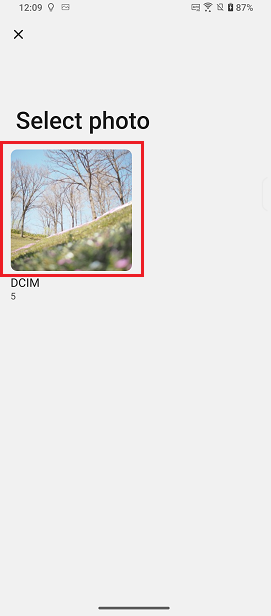
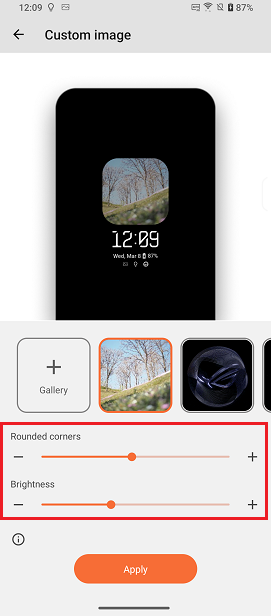
On the Choose clock style page, tap Custom image. Tap Gallery and select an image. After uploading the picture, you can adjust the curvature of the corners in Rounded corners and brightness of the picture.