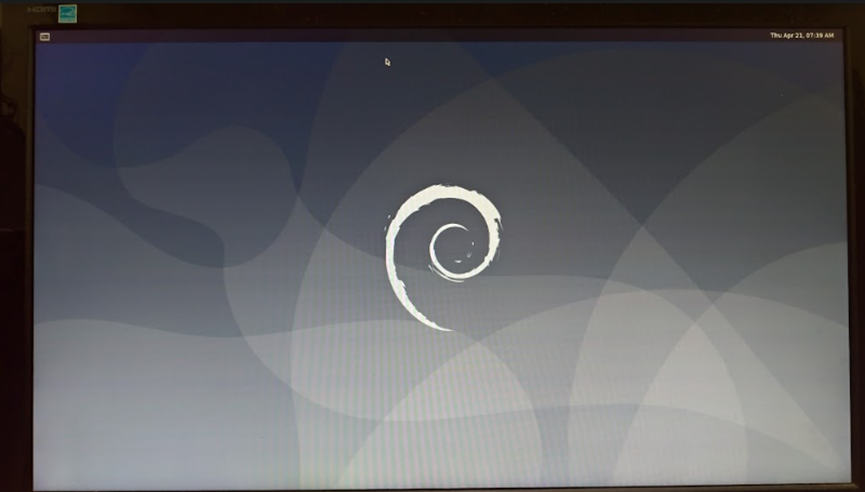
[AIOT] Flash OS Image Debian for PV100A
- Case 1. Flash an image in serial download mode (For unbricking)
If device is in brick state or is with an empty eMMC, we can use “serial download mode” to flash an image.
Flash image
i. Toggle boot_mode switch to “Serial downloader” + “eMMC boot”

ii. Power the device with an adapter.
iii. Connect the device and host computer (PC or NB) with USB Type-C® cable
iv. Enter image folder and double click flashall.cmd (Windows) / flashall.sh (Linux) to start image flashing.

If you use Ubuntu and flashall.sh to download image, your Ubuntu server may encounter this problem:
error while loading shared libraries: libssl.so.10: cannot open shared object file: No such file or directory
a. Edit the source list sudo nano /etc/apt/sources.list to add the following line:
deb http://security.ubuntu.com/ubuntu xenial-security main
b. Then sudo apt update and sudo apt install libssl1.0.0.
Ref: https://itectec.com/ubuntu/ubuntu-ubuntu-20-04-libssl-so-1-0-0-cannot-open-shared-object-file-no-suc...
v. Remove the power adapter and toggle boot mode switch to “Internal boot” + “eMMC boot”

vi. The device will reboot to Debian OS automatically once the process is completed.

- Case 2. Flash an image in fastboot mode
Use “reboot-bootloader” command to make device enter fastboot mode so then the OS image can be flashed directly.
Flash image:
i. Power the device with an adaptor, and wait for the device to boot into Debian OS.
ii. Open a terminal windows and enter reboot-bootloader command

iii. The device will stay in fastboot mode

iv. Connect the device and host computer (PC or NB) with USB Type-C® cable.
v. Enter image folder and double click flashall.cmd (Windows) / flashall.sh (Linux) to start image flashing.
If you use Ubuntu and flashall.sh to download image, your Ubuntu server may encounter this problem:
error while loading shared libraries: libssl.so.10: cannot open shared object file: No such file or directory
a. Edit the source list sudo nano /etc/apt/sources.list to add the following line:
deb http://security.ubuntu.com/ubuntu xenial-security main
b. Then sudo apt update and sudo apt install libssl1.0.0.
Ref: https://itectec.com/ubuntu/ubuntu-ubuntu-20-04-libssl-so-1-0-0-cannot-open-shared-object-file-no-suc...
vi. The device will reboot to Debian OS automatically once the process is completed.