This widget could not be displayed.
This widget could not be displayed.
Turn on suggestions
Auto-suggest helps you quickly narrow down your search results by suggesting possible matches as you type.
Showing results for
- English
- ROG Phone Series
- ROG Phone 3
- Re: Pubg at 144 FPS in ASUS ROG 3
Options
- Subscribe to RSS Feed
- Mark Topic as New
- Mark Topic as Read
- Float this Topic for Current User
- Bookmark
- Subscribe
- Mute
- Printer Friendly Page
Pubg at 144 FPS in ASUS ROG 3

Options
- Mark as New
- Bookmark
- Subscribe
- Mute
- Subscribe to RSS Feed
- Permalink
- Report Inappropriate Content
03-04-2021 10:07 AM
Please tell us some basic information before asking for help:
Model Name:
Firmware Version:
Rooted or not:
Frequency of Occurrence:
APP Name & APP Version (If your issue relates to the app):
In addition to information above, please also provide as much details as you can, e.g., using scenario, what troubleshooting you've already done, screenshot, etc.
========================================
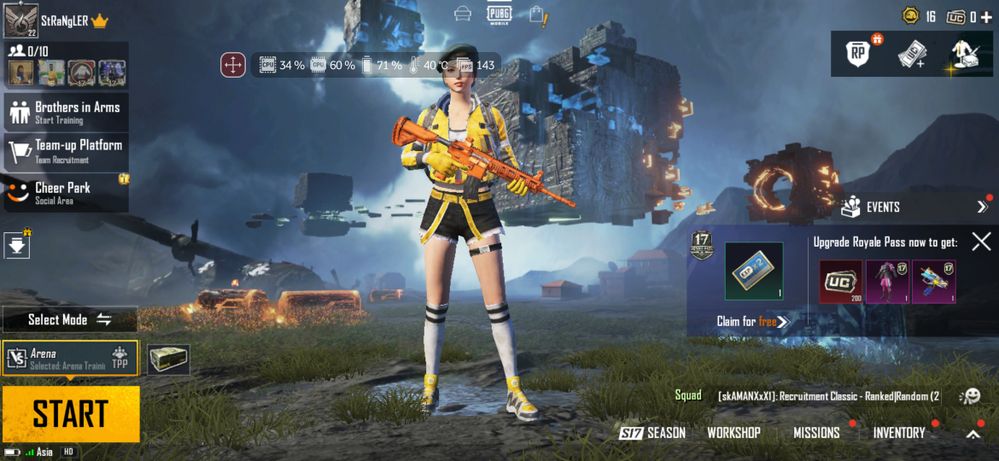
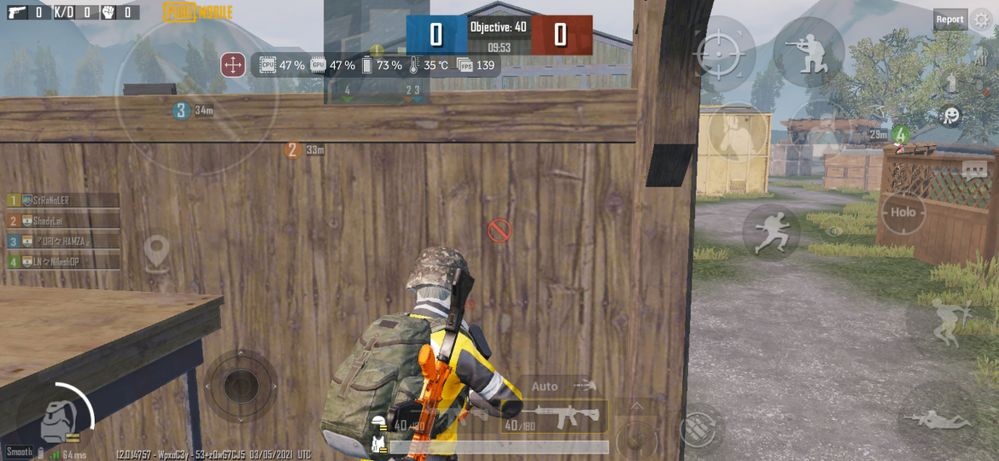
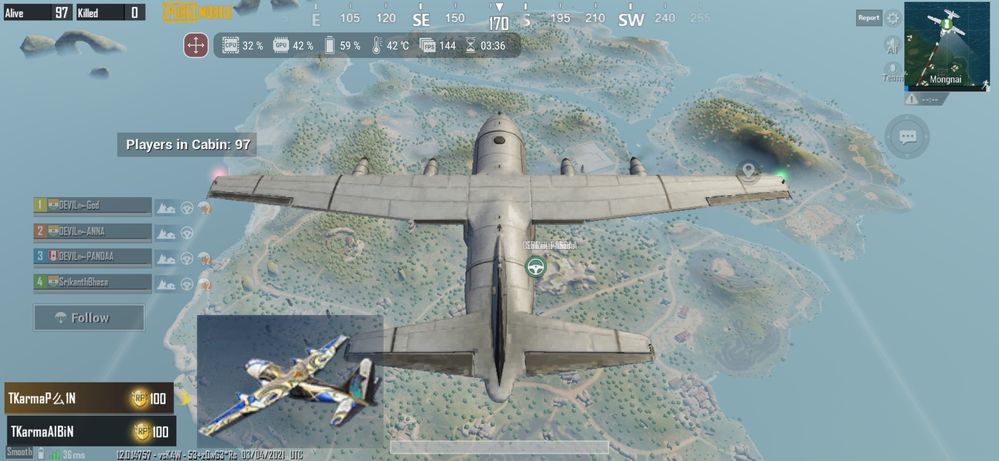
Today I watched some of videos I found pubg can run maximum resolution of our display , asus rog 3 support 144hz so I just make a try if it Yes 144 fps is working superb can't explain the feeling of playing at 144 fps pubg
Model Name:
Firmware Version:
Rooted or not:
Frequency of Occurrence:
APP Name & APP Version (If your issue relates to the app):
In addition to information above, please also provide as much details as you can, e.g., using scenario, what troubleshooting you've already done, screenshot, etc.
========================================
Today I watched some of videos I found pubg can run maximum resolution of our display , asus rog 3 support 144hz so I just make a try if it Yes 144 fps is working superb can't explain the feeling of playing at 144 fps pubg
60 REPLIES 60

Options
- Mark as New
- Bookmark
- Subscribe
- Mute
- Subscribe to RSS Feed
- Permalink
- Report Inappropriate Content
03-10-2021 04:18 AM

Options
- Mark as New
- Bookmark
- Subscribe
- Mute
- Subscribe to RSS Feed
- Permalink
- Report Inappropriate Content
03-10-2021 08:44 AM
Aravind2020Can u please helpI have tried and still stuck on 90fps on smooth and 90fps option.... Copied the 3 files to location and cleared cache and started game at 144Hz display enables...still max 90fps....any idea what i did wrong?
Update: i copied the 3 files instead of that config folder...now its working flawlessly on 144FPS❤️❤️:fire:
View post

Options
- Mark as New
- Bookmark
- Subscribe
- Mute
- Subscribe to RSS Feed
- Permalink
- Report Inappropriate Content
03-10-2021 08:50 AM
I have the same problem too. It doesn't work after the update.

Options
- Mark as New
- Bookmark
- Subscribe
- Mute
- Subscribe to RSS Feed
- Permalink
- Report Inappropriate Content
03-14-2021 01:13 AM
SaifuddinI have done exactly what's described but im still stuck at 90fps. ROG 2 user. Pasted config folder in Shaders folders and cleared cache, display is also at 120fps but when i open my Pubg KR version 1.3 its still giving me 90fps in realtime fps data.https://zentalk.asus.com/en/discussion/comment/155456#Comment_155456
https://zentalk.asus.com/en/discussion/comment/155411#Comment_155411
Worked for me , thanks 😀😀😀
View post
Can anyone please tell what else can i do?
Really wanted to try 120fps. 🙏
Options
- Mark as New
- Bookmark
- Subscribe
- Mute
- Subscribe to RSS Feed
- Permalink
- Report Inappropriate Content
03-14-2021 01:47 AM
gugulI did exactly the same but still getting 90fps in ROG 2 Pubg KR version 1.3 .. Please tell me what to do.. 😭🤕🙏Well I followed the steps and yes the device can achieve 144fps with screen set to 144hz. It's buttery smooth.
It fluctuates in between 123-144fps. But the experience was great. Thanks brother for the info.
If anyone still couldn't understand the steps, let me break it down.
(Turn off anti-aliasing)
1. Download the config file.
If you don't have the link, https://drive(dot)google.com/file/d/1LQl2F0TxECCDiwHc5eWxDO4sKWnVubNp/view?usp=drivesdk
(Replace (dot) with .)
2. After downloading the file extract it. The inbuilt file manager doesn't support the extraction of .rar file. Install RAR application from playstore and extract it. It'll ask for the password. Password is NERO888
3. After extraction copy the config file into
-> if you have pubg mobile KR version, android-> data->com.pubg.krmobile->files->UE4game->ShadowTrackersExtra->ShadowTrackersExtra (paste it here)
-> if you have pubg mobile global version, android-> data->com.tencent.ig->files->UE4game->ShadowTrackersExtra->ShadowTrackersExtra (paste it here)
4. Clear the cache if the game.
5. Set the refresh rate of display to 144hz. (Settings->display->Refresh Rate->select 144Hz. If you have unlocked 160hz, you can select it too.
6. If you feel 144hz is too smooth you can select 120 or 90 accordingly. The FPS will be restricted to that only.
7. Open the game and enjoy.
View post