This widget could not be displayed.
This widget could not be displayed.
Turn on suggestions
Auto-suggest helps you quickly narrow down your search results by suggesting possible matches as you type.
Showing results for
- English
- Other Products
- Motherboards
- Re: x870e Cereator UEFI BIOS, cannot boot DVD as S...
Options
- Subscribe to RSS Feed
- Mark Topic as New
- Mark Topic as Read
- Float this Topic for Current User
- Bookmark
- Subscribe
- Mute
- Printer Friendly Page
x870e Cereator UEFI BIOS, cannot boot DVD as SATA drive

Options
- Mark as New
- Bookmark
- Subscribe
- Mute
- Subscribe to RSS Feed
- Permalink
- Report Inappropriate Content
04-11-2025 07:30 PM
At first I thought it was because I had the ODD plugged-in as Sata-7 on an M.2 USB card. It showed up in BIOS but I could not get it into the boot list.
So I swapped it out from the M.2 USB card to the native Sata-4 port, same story, cannot get it into the boot list. The ODD is Super-Grub, a bootable DVD disk.
REALLY ticked off with this AMI UEFI crap, it's the most assinine and unintuitive heap of nonsense I have ever come across.
2 REPLIES 2


Options
- Mark as New
- Bookmark
- Subscribe
- Mute
- Subscribe to RSS Feed
- Permalink
- Report Inappropriate Content
04-24-2025 01:45 AM
Hello @towbar
Thank you for reaching out to us.
From your description, we would suggest referring to the steps in [Motherboard] Troubleshooting when the Hard Disk or SSD (M.2) is not detected after booting up and trying setting CSM to Enabled as well as [Legacy Only] to see if this makes a difference.
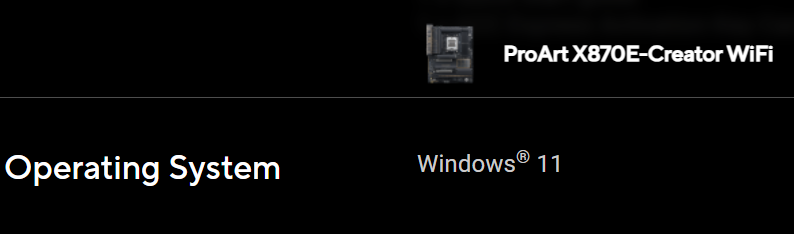
Meanwhile, as ProArt X870E-Creator WiFi officially supports Windows 11 only, kindly refer to the user manual and the guide [Motherboard] How to install Windows 11? for OS installation if needed.
Thank you.
Options
- Mark as New
- Bookmark
- Subscribe
- Mute
- Subscribe to RSS Feed
- Permalink
- Report Inappropriate Content
04-24-2025 06:14 PM
The board design is defective, I cannot boot off an ODD if it is connected to an M.2 USB expansion board.
Win-11 wifi? I don't use microsoft $trangleware at all although right now I am forced to do so to recover data from a deceased familiy member's win-7 computer and I'm trying to do that by plugging in his ssd's into my Creator sata ports.

Related Content
